
- Home
- About Us
- Pricing
- Features
- Buy Tytron TYTR Token
- Tytron (TYTR) Token Whitepaper
- eBooks
- Affiliate Program
- Subscribe
- Recommended VPN
- NordVPN 75% Discount
- Originality.Ai Free Trial
- Blogs
- Frequently Asked Questions
- No Hidden Fees
- Disclaimer
- Privacy Policy
- Terms and Conditions
- Data Processing Agreement (DPA)
- Refund & Cancellation Policy
- Contact Us
Expert Tips to Prevent Data Theft on Public WiFi
Understanding the Risks of Public WiFi
Public WiFi networks, commonly found in cafes, airports, and hotels, offer convenience but come with significant security risks. These networks are often unsecured, making it easier for cybercriminals to intercept your data. Understanding these risks is the first step in protecting yourself from data theft.

Use a Virtual Private Network (VPN)
One of the most effective ways to protect your data on public WiFi is by using a Virtual Private Network (VPN). A VPN encrypts your internet connection, ensuring that your online activities are hidden from prying eyes. This encryption makes it difficult for hackers to access your data.
When choosing a VPN, look for features like a no-logs policy, strong encryption protocols, and reliable customer support. Many VPN providers offer both free and paid options, but investing in a reputable service is often worth the cost.
Enable Two-Factor Authentication
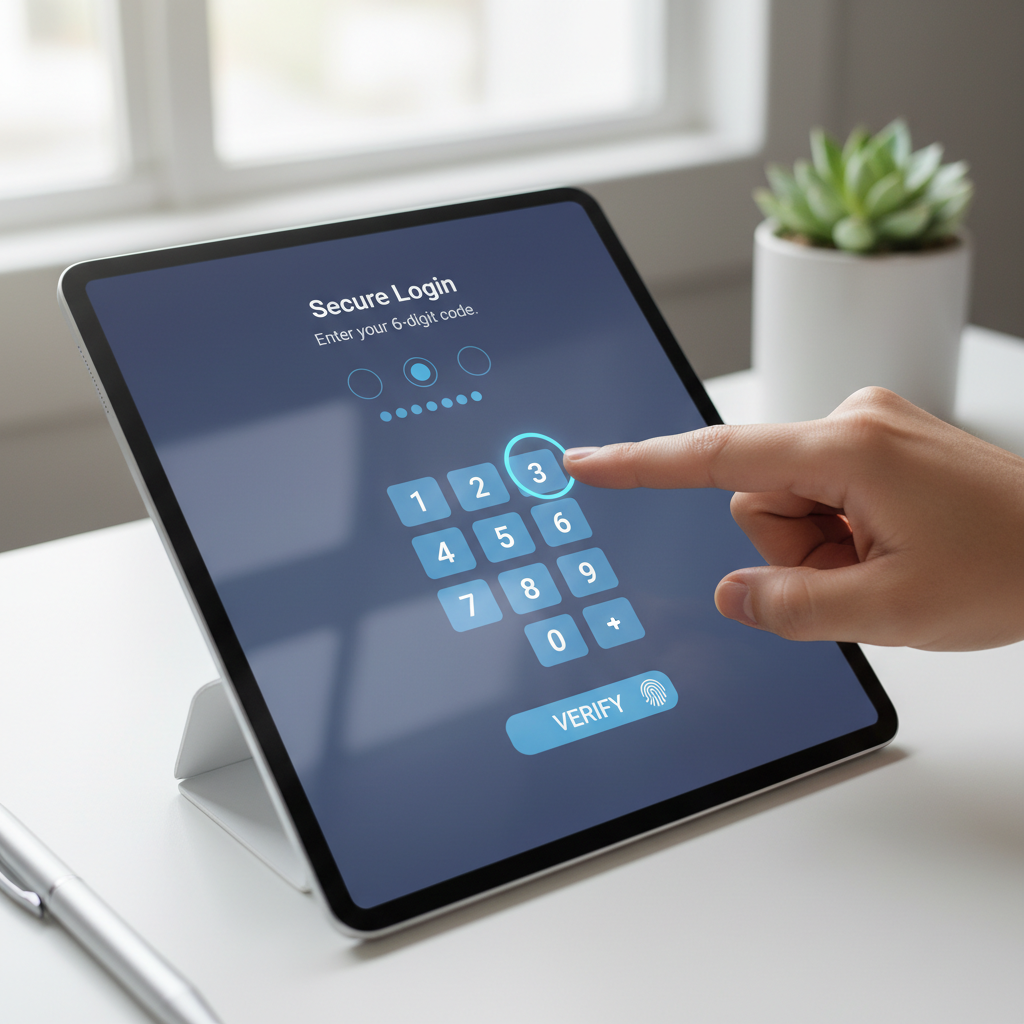
Two-factor authentication (2FA) adds an extra layer of security to your online accounts. Even if a hacker manages to steal your password, they would still need access to the second factor, which is typically a code sent to your phone or email. This simple step can significantly reduce the risk of unauthorized access.
Avoid Accessing Sensitive Information
When connected to public WiFi, avoid accessing sensitive information such as banking details or personal identification numbers. If possible, wait until you are on a secure, private network to perform these tasks. This precaution helps minimize the risk of your data being intercepted.
Additionally, disable automatic connections to public networks. This ensures you have control over when and where you connect, reducing the chance of accidentally joining a malicious network.
Keep Your Software Updated
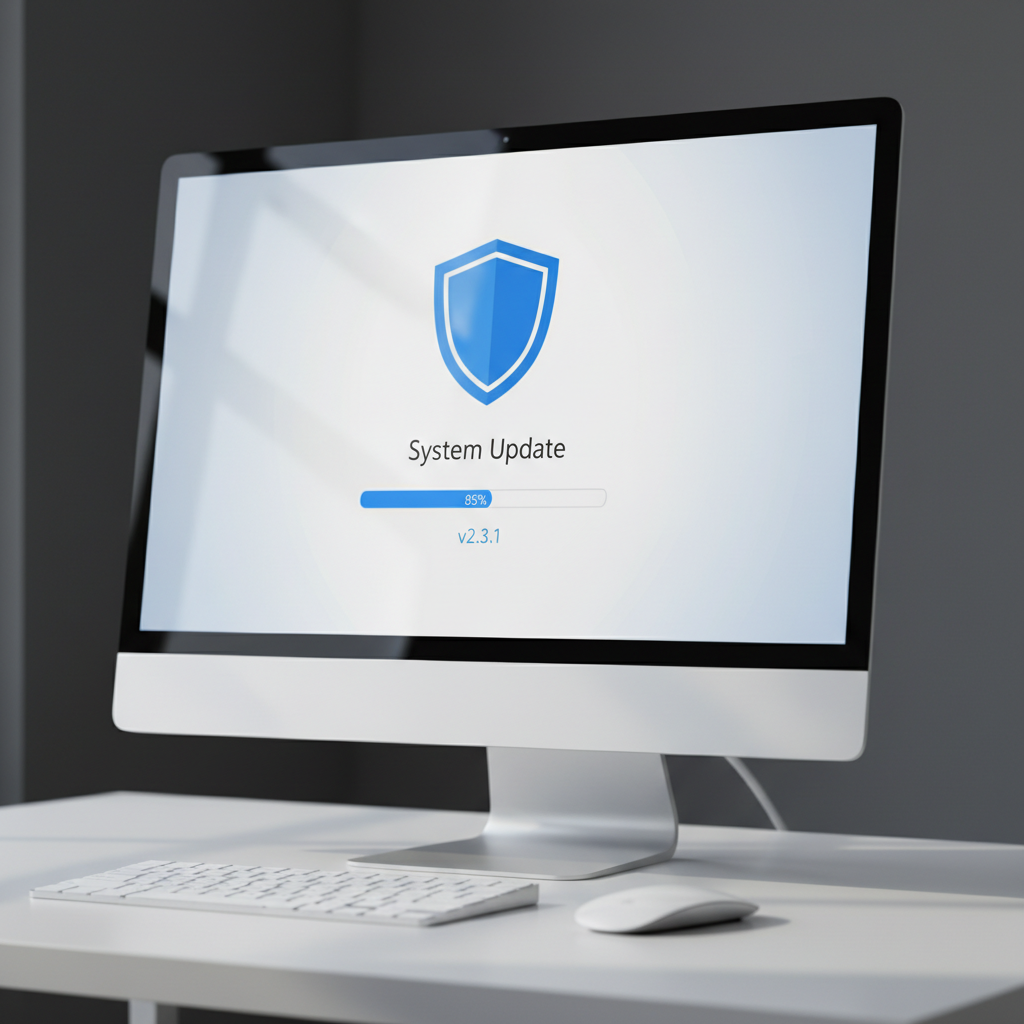
Regularly updating your software is crucial for maintaining security. Software updates often include patches for vulnerabilities that could be exploited by hackers. Ensure that your operating system, browser, and applications are always up to date.
Use Secure Websites
When browsing on public WiFi, ensure that the websites you visit are secure. Look for URLs that start with "https://" rather than "http://". The "s" indicates that the site uses encryption to protect your data. Many modern browsers also highlight secure sites with a padlock icon in the address bar.
Using secure websites adds an extra layer of protection, making it harder for cybercriminals to steal your information.
Turn Off Sharing Features
Before connecting to a public WiFi network, disable file and printer sharing on your device. These features can be exploited by hackers to access your files. On Windows, you can do this through the Control Panel, while on Mac, you can adjust sharing settings in System Preferences.

Conclusion
Protecting your data on public WiFi requires a combination of vigilance and the right tools. By implementing these expert tips, you can significantly reduce your risk of data theft and enjoy the convenience of public networks with greater peace of mind. Stay informed and proactive to keep your personal information secure.