
- Home
- About Us
- Pricing
- Features
- Buy Tytron TYTR Token
- Tytron (TYTR) Token Whitepaper
- eBooks
- Affiliate Program
- Subscribe
- Recommended VPN
- NordVPN 75% Discount
- Originality.Ai Free Trial
- Blogs
- Frequently Asked Questions
- No Hidden Fees
- Disclaimer
- Privacy Policy
- Terms and Conditions
- Data Processing Agreement (DPA)
- Refund & Cancellation Policy
- Contact Us
How to Build an Online Store with The Market Tycoon: A Step-by-Step Guide
Introduction to The Market Tycoon
Building an online store can be a daunting task, but with The Market Tycoon, the process becomes streamlined and accessible. This platform offers a comprehensive suite of tools designed to help you create a professional and functional online store without the need for extensive technical knowledge.

Getting Started
Create Your Account
To begin, visit The Market Tycoon website and create an account. The registration process is straightforward, requiring only basic information such as your email address and a secure password. Once registered, you will gain access to the platform's dashboard.
Select Your Plan
The Market Tycoon offers several pricing plans tailored to different business needs. Whether you're a small startup or a large enterprise, you’ll find a plan that suits your requirements. Consider your budget and business goals when making your selection.
Setting Up Your Store
Design Your Storefront
With an array of customizable templates, you can design a storefront that reflects your brand's identity. Choose a template that resonates with your business style and easily modify colors, fonts, and layouts to create a unique shopping experience for your visitors.
Add Products
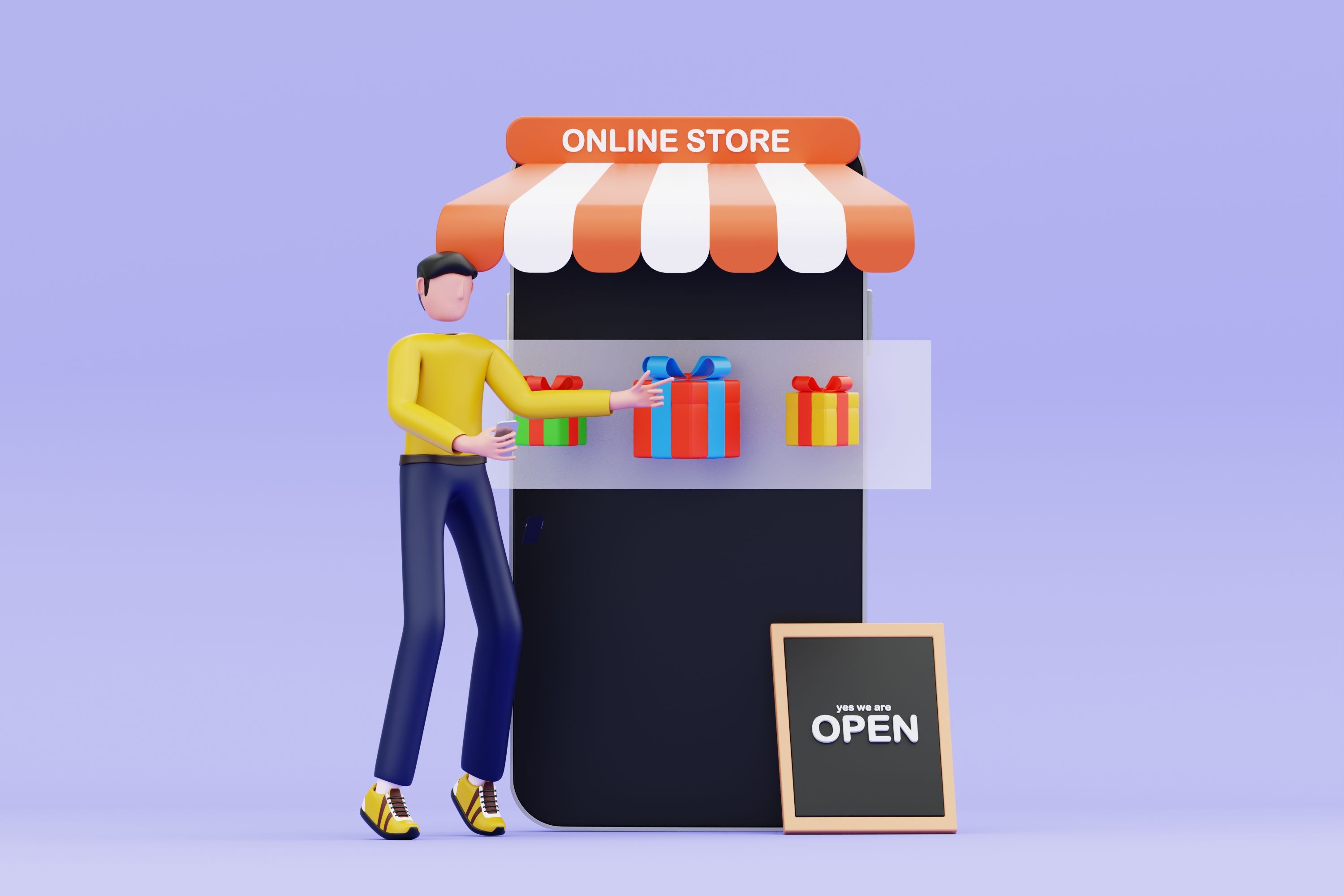
Next, populate your store with products. Use The Market Tycoon's intuitive interface to add product details such as names, descriptions, prices, and images. Organize products into categories to enhance navigation and improve customer experience.
Optimizing for Sales
Set Up Payment Options
To facilitate transactions, integrate payment gateways like PayPal, Stripe, or credit card processing directly into your store. Ensure that all payment options are secure and user-friendly to build trust with your customers.
Implement SEO Strategies
Enhance your store's visibility by implementing SEO best practices. Use keywords effectively in product descriptions, titles, and meta tags. The Market Tycoon provides SEO tools to help you optimize your content for search engines.

Launch and Market Your Store
Test Your Store
Before going live, thoroughly test your online store. Check for any bugs or issues in the checkout process, navigation, and responsiveness. Ensure that your store functions seamlessly across different devices and browsers.
Promote Your Store
Once everything is set up, launch your store and begin promoting it. Utilize social media platforms, email marketing, and digital advertising to reach your target audience. Consistent promotion is key to driving traffic and increasing sales.
Conclusion
Building an online store with The Market Tycoon is a manageable and rewarding process. By following these steps, you can establish a successful online presence that attracts customers and boosts sales. Embrace the power of The Market Tycoon and take your business to new heights.