
- Home
- About Us
- Pricing
- Features
- Buy Tytron TYTR Token
- Tytron (TYTR) Token Whitepaper
- eBooks
- Affiliate Program
- Subscribe
- Recommended VPN
- NordVPN 75% Discount
- Originality.Ai Free Trial
- Blogs
- Frequently Asked Questions
- No Hidden Fees
- Disclaimer
- Privacy Policy
- Terms and Conditions
- Data Processing Agreement (DPA)
- Refund & Cancellation Policy
- Contact Us
How to Build an Online Store with Market Tycoon: A Step-by-Step Guide
Getting Started with Market Tycoon
Building an online store can seem daunting, but with Market Tycoon, the process is streamlined and user-friendly. This guide walks you through each step to help you set up your store efficiently and effectively.

Create Your Account
The first step in your journey is to create an account on Market Tycoon. Visit their website and click on the Sign Up button. You'll need to provide basic information such as your email address and create a password. Once done, confirm your email to activate your account.
Select Your Store Plan
Market Tycoon offers various plans tailored to different business needs. Whether you're just starting or have an established business, choose a plan that fits your requirements. Consider factors such as the number of products you plan to sell and the payment options you want to offer.

Design Your Store
Choose a Theme
One of the exciting parts of building an online store is designing it. Market Tycoon provides a variety of themes to match your brand's aesthetic. Navigate to the Themes section and browse through the options. Once you find a theme that resonates with your brand, apply it to your store.
Customize Your Layout
After selecting a theme, it's time to customize your store's layout. Use the drag-and-drop editor to arrange elements like headers, footers, and product displays. Ensure your store is visually appealing and easy to navigate for your customers.
Add Your Products
Product Listings
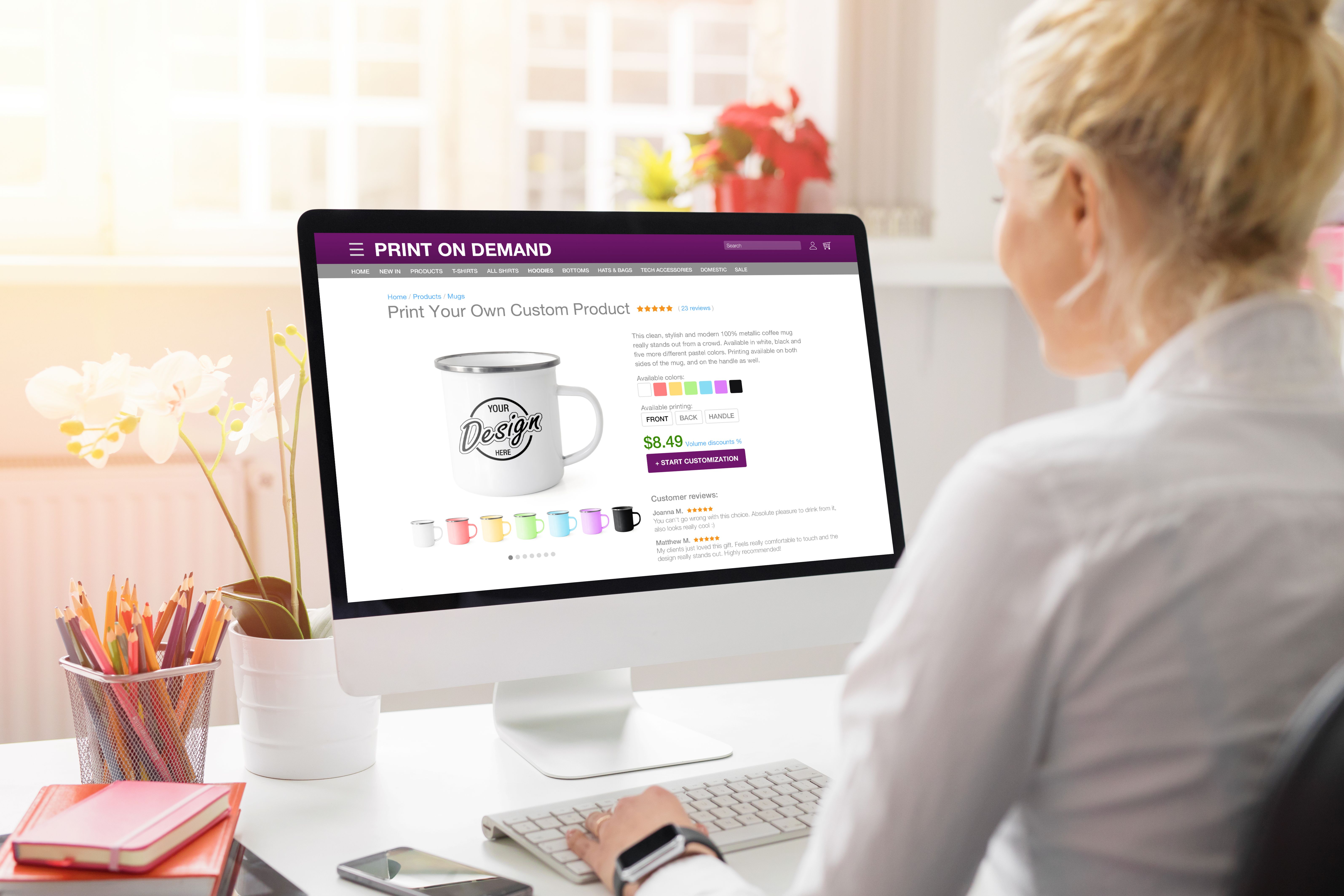
With the design in place, start adding products to your store. Go to the Products section and click on Add Product. Fill in details such as product name, description, price, and upload high-quality images. Ensure each listing is detailed and accurate.
Organize Your Inventory
Organize your products into categories to make it easier for customers to find what they're looking for. Use clear and concise category names and ensure that each product is tagged appropriately.

Launch and Promote Your Store
Set Up Payment and Shipping
Before launching, configure your payment and shipping settings. Market Tycoon supports various payment gateways, so choose the ones that suit your business. Set up shipping options based on your target market and ensure that all policies are transparent to your customers.
Promote Your Store
Once your store is ready, it’s time to promote it. Use social media, email marketing, and SEO strategies to drive traffic to your store. Consider running promotions or discounts to attract your first customers and gain traction.

By following these steps, you'll have your online store up and running in no time. With Market Tycoon's intuitive platform, managing your store becomes a seamless experience, allowing you to focus on growing your business.